With Google Analytics 4 you see what visitors do and buy in your store, and with Search Console how you're found in Google. Add Microsoft Clarity, free, with heatmaps and session recordings. With those three, a Shopify store has everything it needs to make decisions on data.
You need three free tools, and each answers a different question. Search Console: how do people find you in Google? GA4: what do they do next, and do they buy? Microsoft Clarity: why don't they buy?
What is Microsoft Clarity and is it free?
Microsoft Clarity is a free tool that shows how visitors use your site. According to Microsoft it's always free, with no traffic limit and no sampling.
What you can do with it:
- Heatmaps. A map of where people click and how far they scroll.
- Recordings. You watch real sessions, without seeing who it is.
- Rage clicks. Someone clicks quickly in the same spot several times. Often something isn't working there.
- Dead clicks. Someone clicks on something that doesn't respond, like a photo that isn't a link.
- Quick backs. Someone opens a page and goes straight back. The page wasn't what they were looking for.
Recordings are kept for 30 days. A heatmap uses up to 100,000 page views.
Source: Microsoft Learn, Clarity FAQ, 2026.
You install Clarity on Shopify with the official app. If you switch themes, check that the code still works. According to Microsoft, the script sometimes drops out when you switch themes.
How do you read a heatmap?
Start with the question you want answered, then look per page and per device.
- Pick one page, for example your best-selling product.
- Look at mobile. That's usually where most of your traffic comes from.
- Look at the scroll map. How many people still see the reviews, the ingredients or the shipping info?
- Look at the click map. Are people clicking on things that aren't links? Then they're looking for information there.
- Watch five recordings of people who dropped off. That's where you see the real doubt.
How do you set up Google Analytics 4 properly for Shopify?
Connect GA4 through Shopify's Google and YouTube app, and then check that your purchases come in correctly.
- Create a GA4 property in Google Analytics.
- Install the Google and YouTube app in Shopify and connect the property.
- Place a test order and check that the purchase shows up in GA4.
- After a week, compare the number of orders in GA4 with Shopify. A difference is normal, but it should be close.
- Link Search Console to GA4, so you see search data and behavior together.
What does Search Console show that GA4 doesn't?
Search Console shows what happens before someone lands on your site. GA4 only starts at the click.
| Search Console | GA4 | |
|---|---|---|
| Keywords | Yes, with impressions and position | No |
| How often you appear in Google | Yes | No |
| What visitors do on your site | No | Yes |
| Purchases and revenue | No | Yes |
| Technical errors and indexing | Yes | No |
Search Console keeps 16 months of data. So export what you want to keep longer.
Source: Google Search Console Help, Performance report, 2026.
Search Console is the foundation of ecommerce SEO. It shows you which keywords you're just not ranking well enough for.
Curious where this plays out in your store?
Get your free store audit →Cookie consent: what do you need to know?
GA4 and Clarity use cookies, so for visitors from Europe you need consent through a cookie banner.
Since October 31, 2025, Microsoft requires a valid consent signal for visitors from the EEA, the United Kingdom and Switzerland. Without consent, Clarity works in a limited way, without cookies.
Source: Microsoft Learn, Clarity Consent API v2, 2025.
Shopify has its own cookie banner that passes consent on to Google. If you use another banner, check that GA4 and Clarity really receive the signal. This isn't legal advice. The main thing in practice: you miss data from people who decline, so your numbers are always lower than in Shopify.
Which five numbers should a founder see every week?
Five numbers are enough to see whether your store is getting better.
- Revenue from organic traffic. What does Google bring you without ads?
- Conversion rate per channel. Do visitors from Google buy more often than those from Instagram? Read more in ecommerce conversion rate.
- Impressions in Google for keywords without your brand name.
- Returning customers. How many customers order a second time?
- Drop-off point. On which page do most people leave?
Those numbers are spread across Shopify, GA4, Search Console and Clarity. In my dashboard I put them together, with what changed each week.
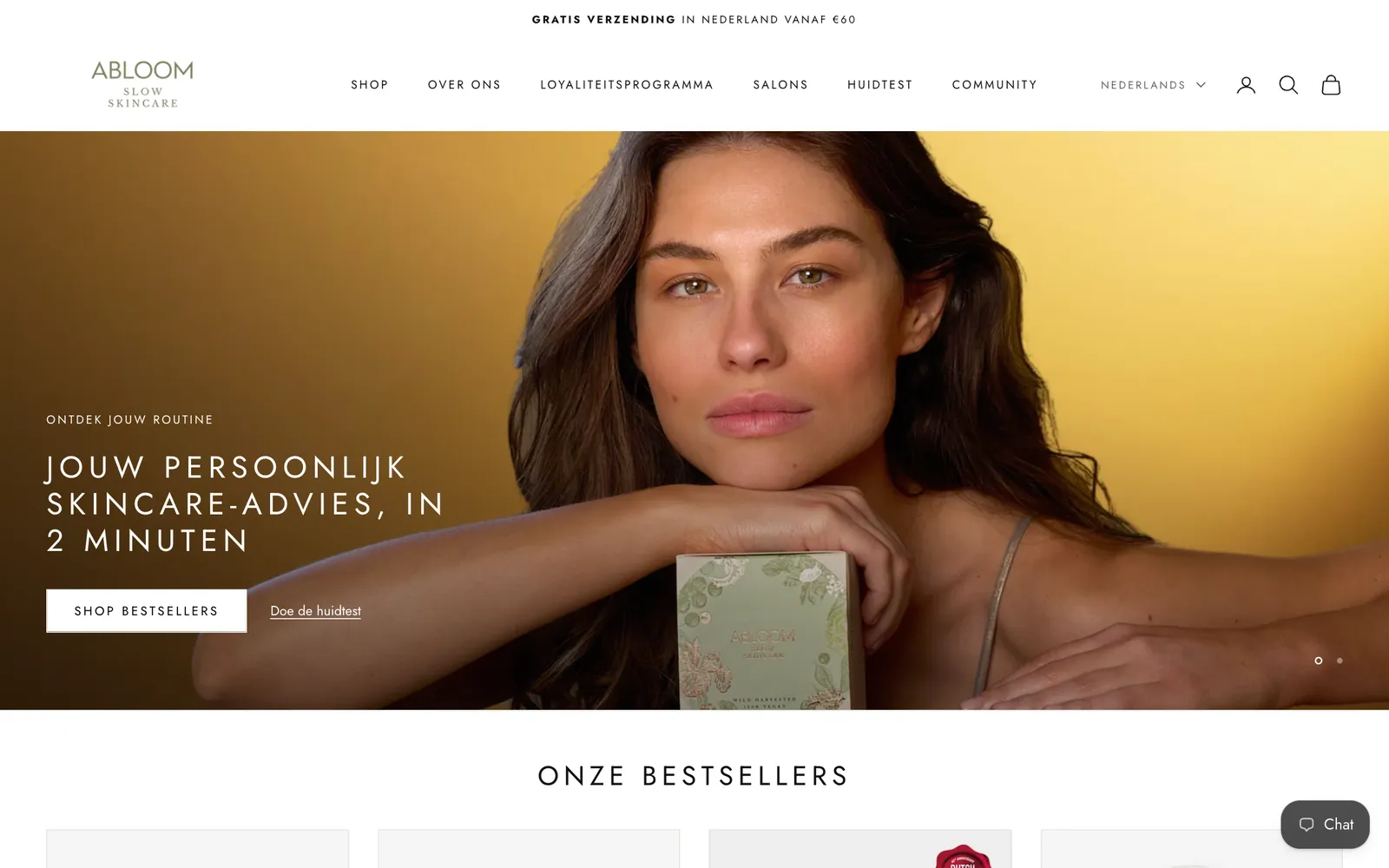
At Abloom Skincare, the GA4 numbers showed that visitors from Google order much more often than average. You only see that if you measure per channel.